Find the method. Then run the test.
Guides to Cloud Mac access, builds, and testing. Check the requirements, then apply each method to your project.


This runbook helps research teams determine whether they need a Mac client and then test the complete path from installation to result review. It separates the macOS app from the remote compute target, account permissions, and scientific validation.

This guide helps digital nomads identify whether a failed paste comes from the iPad, Apple Universal Clipboard, or the remote client. It includes a direction-by-direction test, content checks, and a pre-trip verification list for text, links, images, and files.

This checklist is for cross-border sellers and operations leads preparing to use ChatGPT Work for recurring summaries or monitoring. It sets out how to verify access, triggers, results, approvals, and ownership before relying on a task, and distinguishes cloud workflows from real macOS Safari checks.
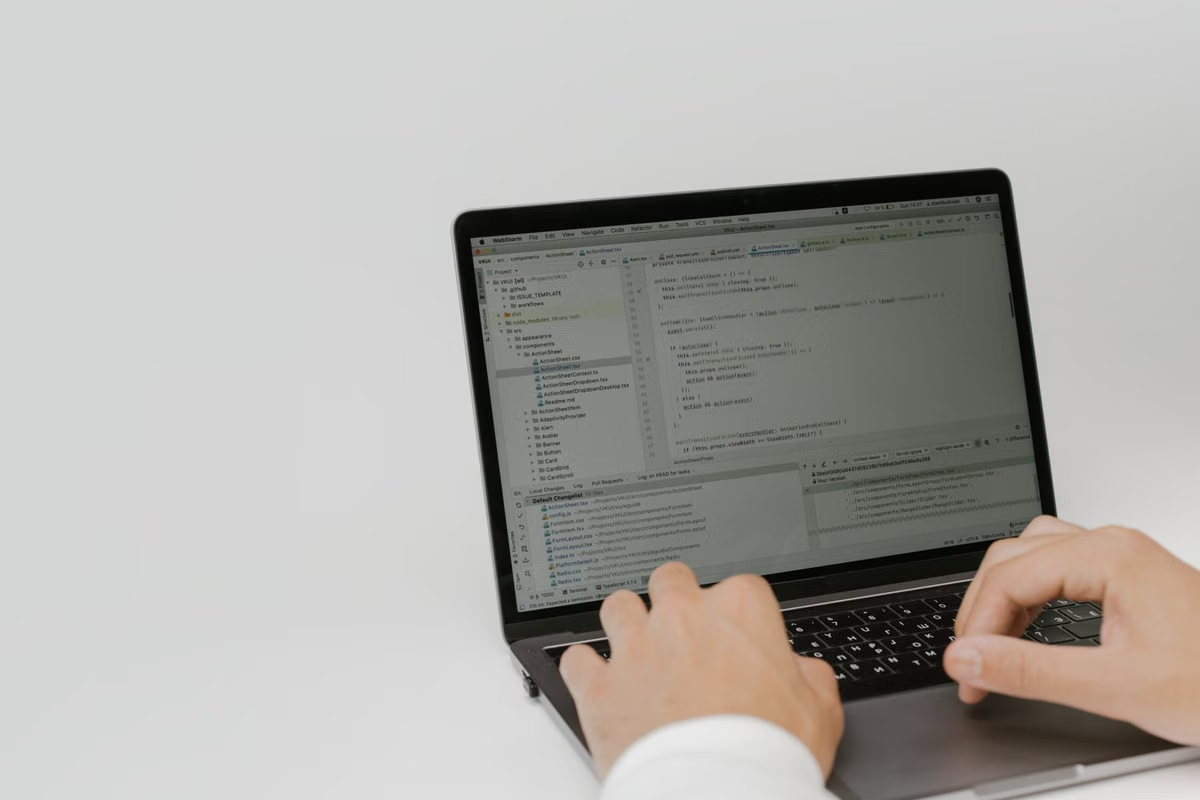
If a course requires a stable Xcode version, keep that installation and project as your course baseline. This guide shows how to check Xcode 27.3 beta requirements, test a separate project copy, verify which toolchain you used, and assess remote Mac access without assuming a particular setup will work.

This guide helps motion designers verify whether an After Effects 26.5 Object Matte result remains available after saving, closing, and reopening a project. Follow a project-copy acceptance test, separate project files from disk cache, and check what a handoff to another device can actually reproduce.

For developers testing local builds with Xcode 27.3 Beta, this guide explains how to choose a target, drop an app or IPA, and verify the result. It also separates app installation from ordinary file handling in iOS Simulator and identifies when to return to a stable distribution workflow.

For teams that need to reproduce failures or retain release evidence, download Xcode Cloud artifacts promptly and verify them before moving them into controlled storage. This guide covers choosing what to keep, manual and API-based retrieval, credential handling, and ongoing retention.

This guide helps research groups assess whether OpenCode 2.0 can safely run on a Mac used by multiple people. It separates application sessions from macOS accounts, project directories, credentials, and remote access, then gives a test plan and decision branches for sharing or splitting environments.

Test missing and repeated local times with fixed fixtures, then define advancement and deduplication rules for daily schedules.

Turn a view-space selection into integer pixel bounds with executable Swift checks. Cover aspect-fit padding, clipping, rounding, and export verification.

Validate adjacent bookings, merged occupancy, and peak concurrency with executable Swift and an independent discrete reference check.
Coming soon
New guides will appear here by date. In the meantime, compare Mac configurations or read the SSH and VNC setup guides.
Run your next build on a dedicated physical Mac
Choose a Cloud Mac and configure resources for your project. Availability is shown in real time in the console.